

A simple Xero reporting tidy-up that changed how one trades business made decisions
Like many trades businesses, this earthworks contracting business had grown quickly.
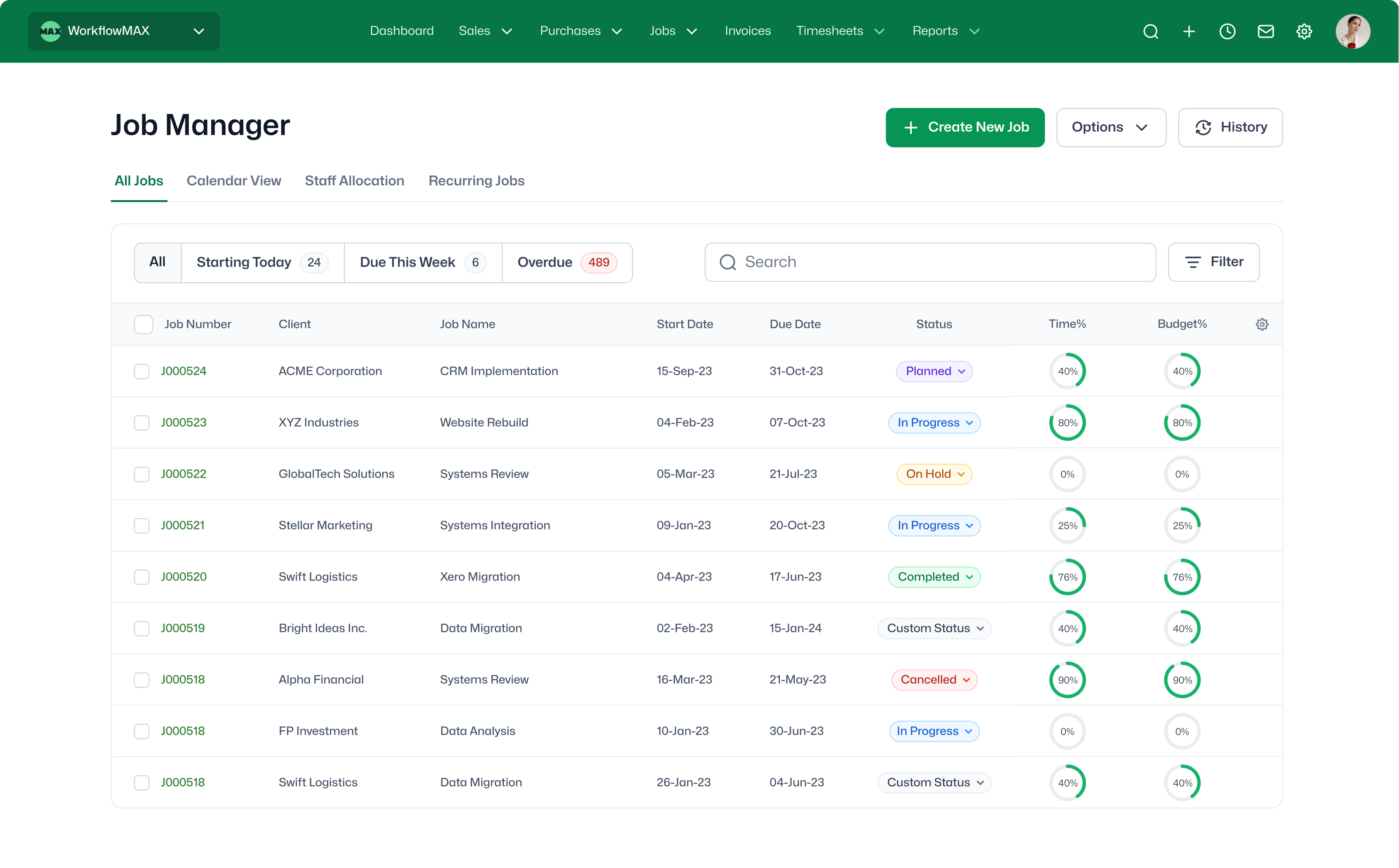
They had a solid team, steady work, and a job management system (WorkflowMax) integrated with Xero. Jobs were quoted, tracked, and invoiced through the job system, with financial data pushed through to Xero and reliable job profitability data available.
But when it came time to make bigger decisions—pricing, hiring, and investing in equipment—the numbers didn’t provide the clarity needed to make those decisions confidently.
Integration Settings
Once we took a closer look, the issue wasn’t the systems themselves.
It was how the data was feeding into Xero, and how that related to the job management system.
Obsolete Chart ofAaccounts
Over time, the chart of accounts had become cluttered, and the owner no longer knew what each code actually covered.
Owners often ask me if their chart of accounts is “correct”. I’m not an accountant, and I always say it should be structured to show the information they need. In my view, as a non-accountant business owner, it’s less about what the codes are named and more about presenting the data in a way that makes sense at a glance and supports better decision-making.
In this case there were:
- Multiple income codes essentially meant the same thing, for example: Sales, Consulting Sales, and Project Sales.
- There were also old codes from previous reporting setups still visible in the chart.
- The setup in WorkflowMax also needed review, as invoices and bills were flowing through to GL codes in Xero that simply didn’t make sense to the owner. Overhead bills processed directly in Xero were being coded differently again.
- In addition, because WorkflowMax can map individual cost items to individual GL codes in Xero, some of those mappings were simply out of date.
Misaligned Data Between Systems
A common assumption is that duplication across systems is a problem, but often it’s both inevitable and necessary. When a job management system like WorkflowMax is being used, that system holds the operational detail above the gross profit line—jobs, labour, materials, and WIP. Xero holds the overall financial view, including overheads and other items not related to specific jobs—revenue, cost of sales, margins, and tax position.
Invoices and bills related to jobs will appear in both systems, but they won’t always match perfectly—and that isn’t necessarily a problem. For example, invoice PDFs may look different across the two systems, with different layouts, levels of detail, or minor rounding differences.
Integration Challenge
So the real issue was that the data flowing into Xero wasn’t aligned with how the reporting needed to look.
Specifically, sales from the job system were hitting outdated or inconsistent GL codes, similar types of work were spread across multiple income accounts, and historic mapping decisions were still affecting current reporting.
So even though the integration was syncing, the P&L was skewed.
Process Gaps Were Introducing New Problems
There was also a process issue contributing to the problem with invoices created in WorkflowMAX being manually edited in Xero.
As a result, WorkflowMax no longer accurately reflected what clients had been billed, and job profitability reporting became unreliable.
We’ve seen this pattern a lot—adjustments made in Xero to tidy up an invoice where WorkflowMAX has clear capability to control this internally before exporting to Xero.
Simplify the Chart of Accounts
The first move was to combine and rationalise GL codes with the support of the accountant.
We reviewed all income accounts, grouped similar accounts together, identified codes that were no longer needed, and simplified the structure to match how the business actually operates.
This immediately made reporting easier to read.
Fix historic coding using Find & Recode
Then, where transactions had been coded inconsistently, we used Xero’s Find & Recode feature to clean this up in bulk.
Transactions were reassigned far enough back to make trend reporting useful again, removing distortion from the P&L.
Correct the integration mapping
Next, we fixed the root cause.
We reviewed how WorkflowMax mapped into Xero, clearing out old item codes and updating account mappings.
Then we aligned the job types in WorkflowMax (categories) with the simplified GL structure. In this case, that meant adding tracking categories in Xero and syncing those to WorkflowMax.
Tighten up process between systems
We also addressed a workflow issue where invoices and bills were being manually updated in Xero after being created in WorkflowMax.
The focus shifted to getting invoices right in WorkflowMax first, with Xero becoming the financial record—not the place where operational changes were made. This ensured job profitability reporting remained accurate in WorkflowMax and financial data stayed consistent across both systems.
Outcome
Once those changes were in place, the impact was immediate.
The P&L became simpler, more consistent, and more closely aligned with how the business actually runs and, most importantly, it became trustworthy.
The owner could now see revenue clearly by meaningful categories and understand the varying performance across different areas of the business—both in WorkflowMax through job profitability reporting and in Xero through individual profit and loss views for each area of the business. All of this led to better decisions being made with confidence.
Summing Up
It’s very common for a business to have issues with chart of accounts structure, integration mapping, or how documents are being processed day to day.
The value comes from clearly defining the role of each system, ensuring clean, structured data flows into Xero, and keeping processes consistent so the data remains reliable.
And the result can be significant because, once the data structure works, the reporting will too—and the business can make decisions with confidence.